In this article, you'll learn how you can extract file name from attachment column type.
Formula to use
JavaScript
LEFT({Column Name},SEARCH({Column Name},"(")-1)Example:
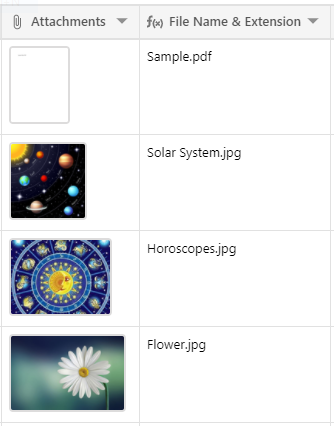
Here, two columns are used. One is Attachment column and other is formula column.
In Attachment column, add your file.
In formula column, you need to write above formula and select String formatting.
JavaScript
LEFT({Attachments},SEARCH({Attachments},"(")-1)And, here is the result: