
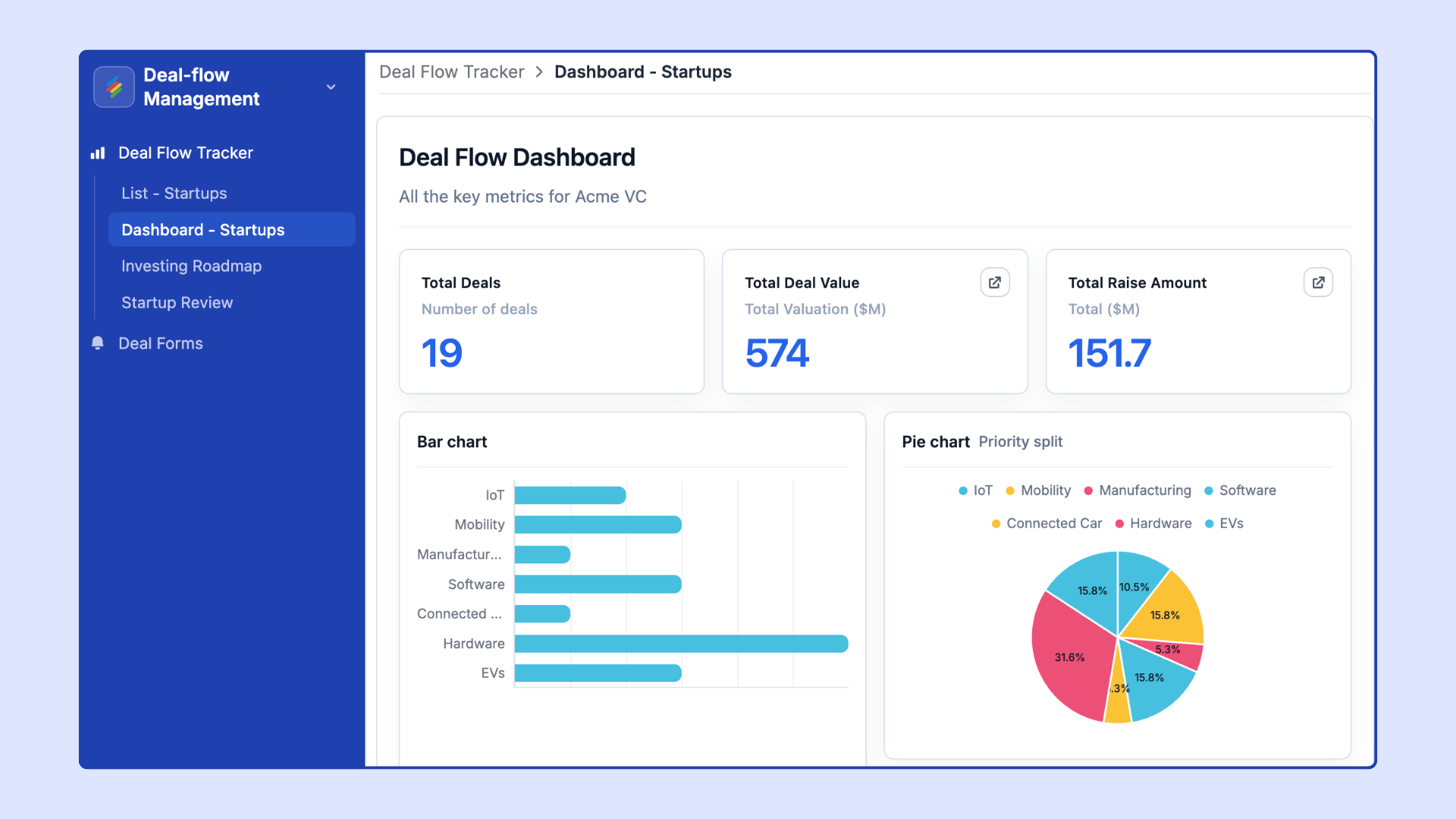
Stackby Interfaces is a no-code App Builder that lets you turn your data into fully functional, shareable applications. You can now build multi-page apps where each page uses a layout that fits its content — grids, dashboards, overviews, forms, and more.
What it does
Create multi-page applications powered directly by your Stackby tables
Choose a different layout type for each page within the same app
Combine Dashboard pages, Overview pages, Form pages, and Gallery pages in one Interface
Control which fields are visible, editable, or hidden per layout
Share the app with teammates or external stakeholders via link or portal
How to use
Open any Stack and click the Interfaces tab in the top navigation
Click Create New Interface and give it a name
Add pages using the + Add Page button
For each page, select your desired layout type from the layout picker
Connect the page to a table or view and configure which fields appear
Preview, publish, and share
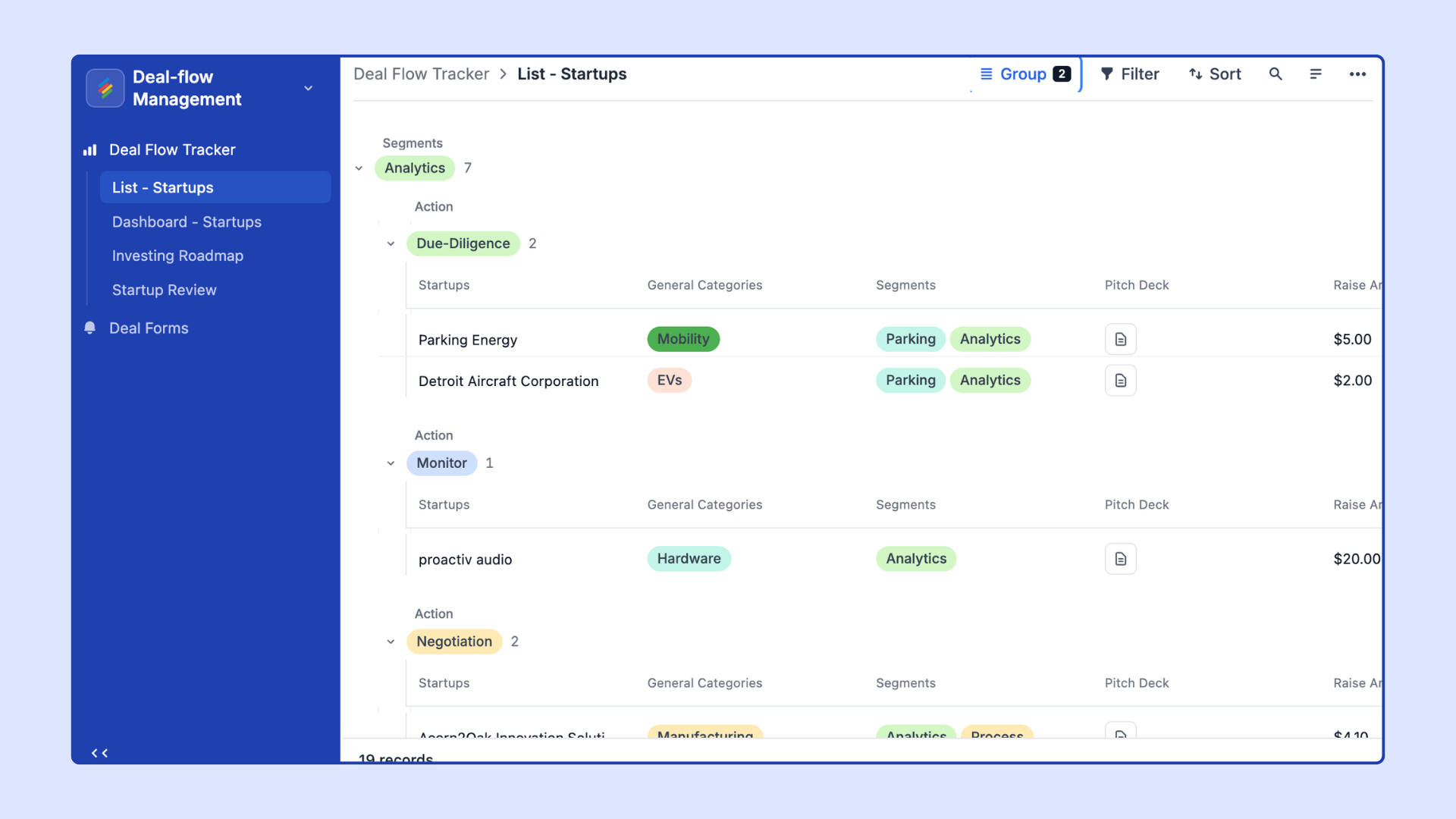
Different audiences need information presented differently. A manager reviewing KPIs needs a dashboard; a field team logging updates needs a form; an executive needs a clean overview. Interfaces lets you serve them all from the same underlying dataset — without duplicating data or building separate tools.