The Batch Update App lets you update multiple records in a Stackby table simultaneously — saving hours of manual row-by-row editing. Whether you're resetting a status field, assigning ownership in bulk, or correcting a value across hundreds of records, this app makes it fast and precise.
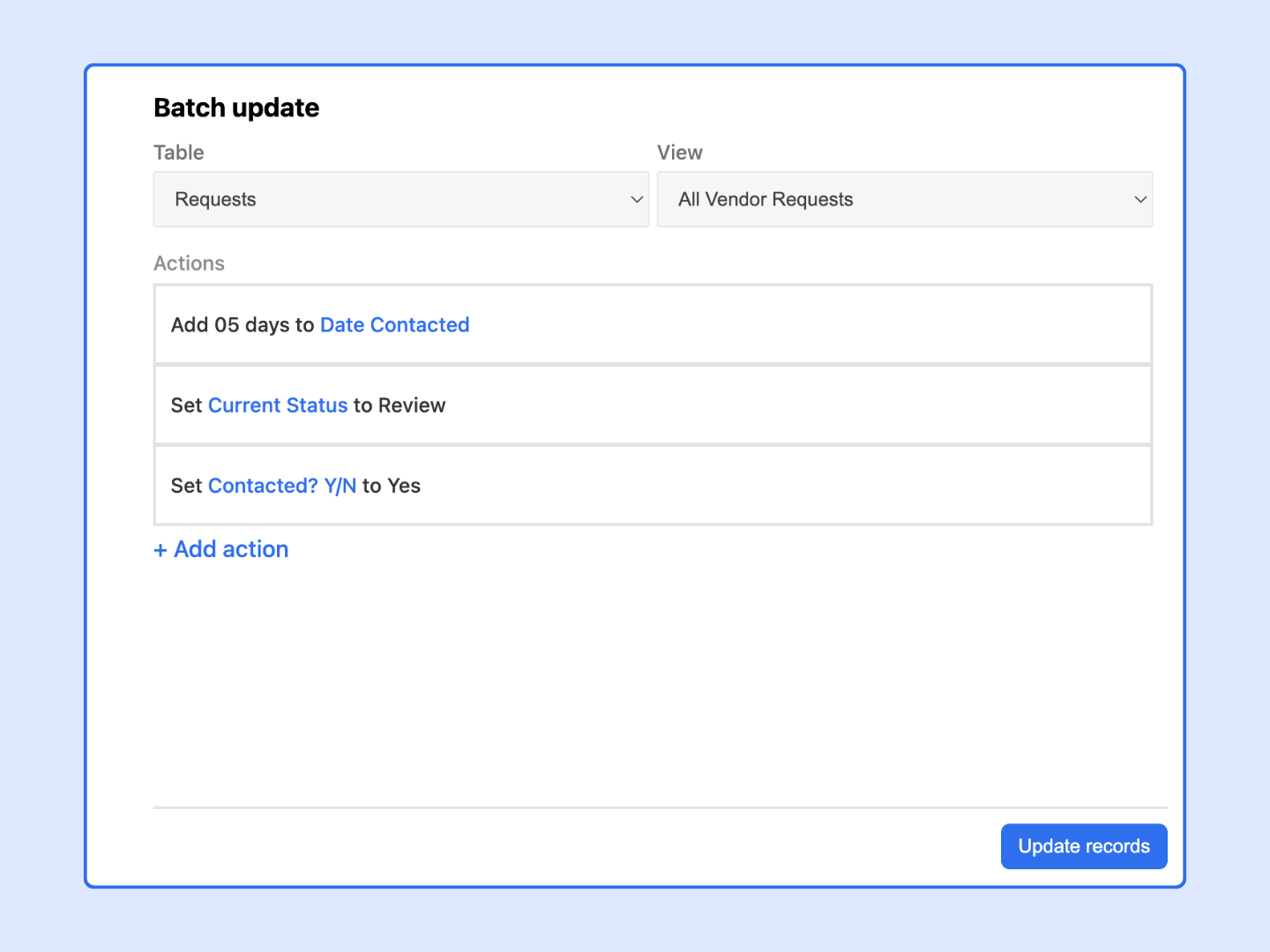
The Batch Update App is a built-in app in Stackby that lets you:
Select multiple rows (or an entire table/view) in one operation
Set one or more field values across all selected records at once
Optionally filter which records to update using conditions
It's the fastest way to make uniform changes across a large dataset without writing a script or editing every row manually.
Open the Stackby stack where you want to perform a bulk update.
Click the Apps icon in the top-right toolbar (or navigate to the Apps panel).
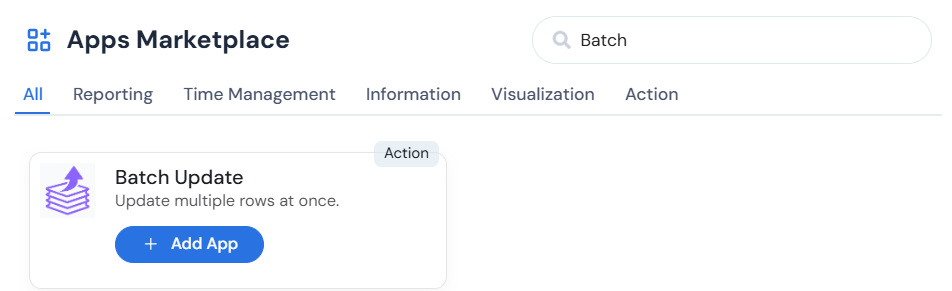
Find Batch Update in the app library and click Add to Stack (if not already added), or click Open if it's already installed.
Select your Table and View: choose which table to update and, optionally, narrow records using a saved view.

Choose the field(s) to update: click + Add action to update and select the column you want to change.
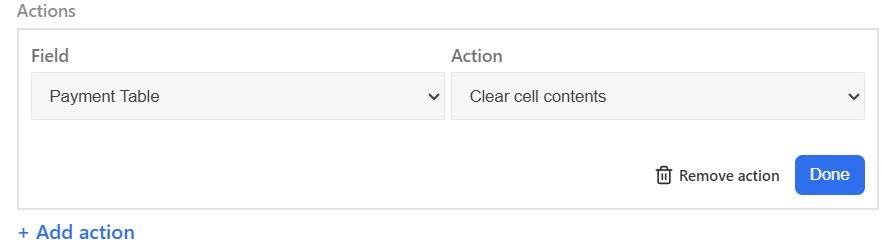
Set the new value: enter or select the value you want to apply to all matching records.
Repeat steps 3–4 for any additional fields you want to update in the same operation.
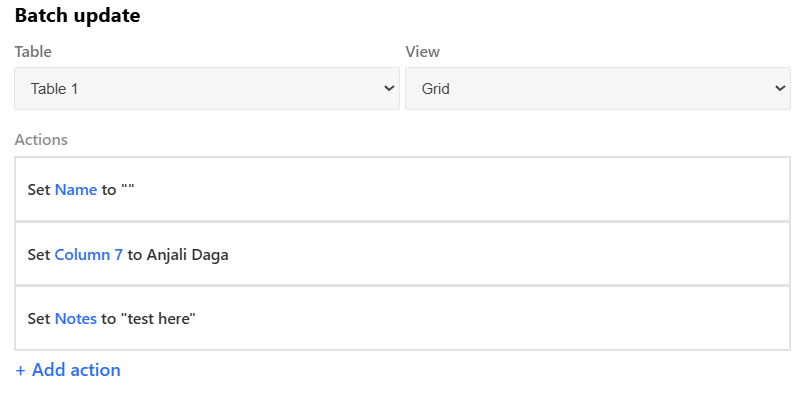
Click Update Records to apply the changes
Review the record count: Stackby will show you how many records will be affected. Confirm this looks correct before proceeding.
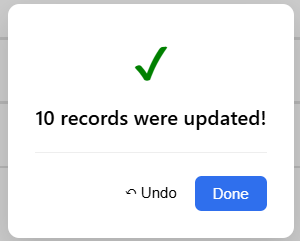
Bulk-assign a sales rep to a set of leads
Reset a "Status" field to "Pending" for all rows in a view
Mark all records in a campaign as "Approved" after review
Backfill a new column with a default value across existing records
Correct a data entry error across multiple rows at once
The Batch Update App supports most Stackby column types, including:
Short Text and Long Text
Single Select and Multiple Select
Number, Currency, and Percentage
Date and Date + Time
Collaborator (assign a team member)
Checkbox / Boolean fields
Formula columns, system columns (Created Time, Last Modified), and Link columns are not editable via Batch Update.