Stackby forms just got more powerful!
Introducing: General Tab in Forms
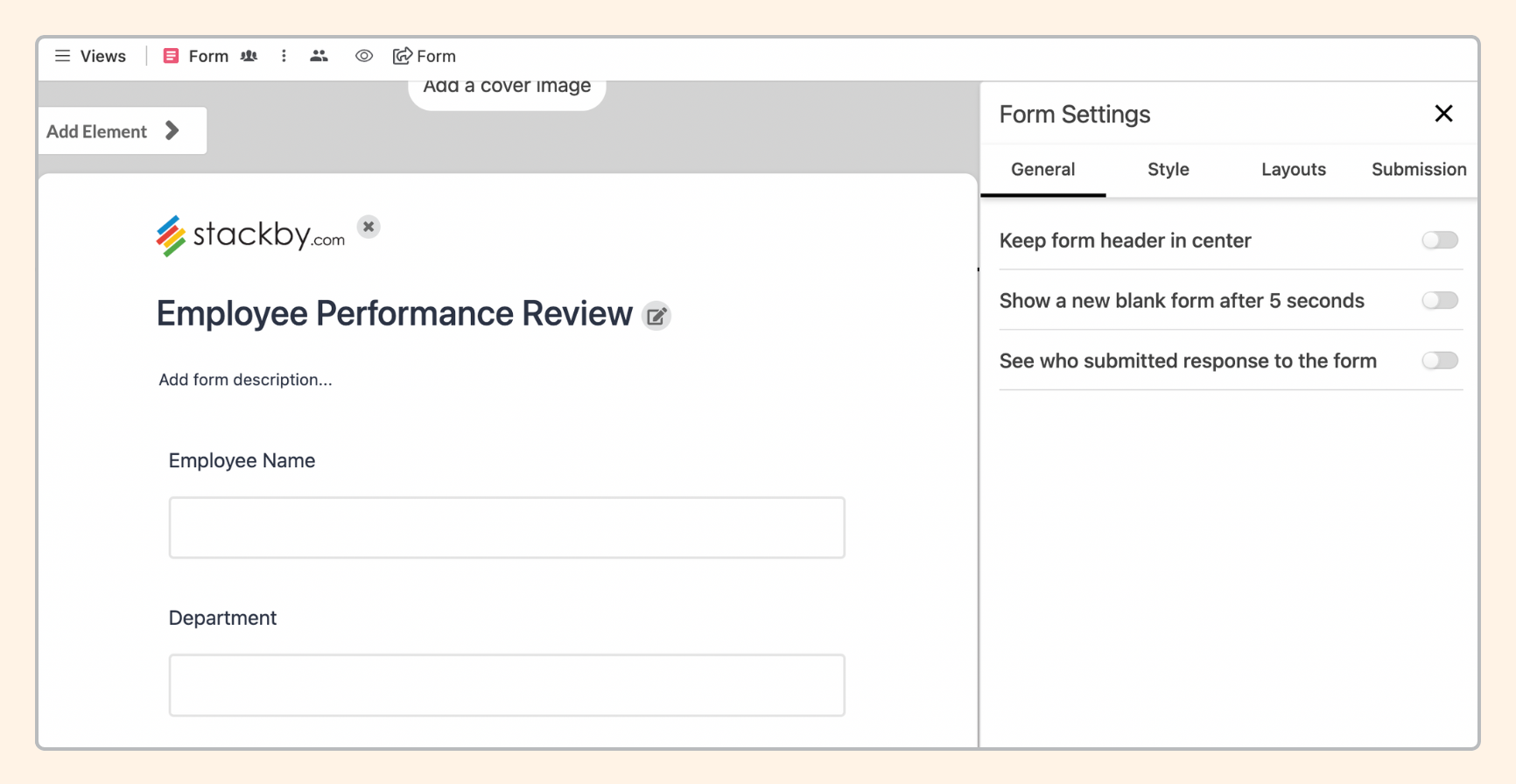
Under the General tab, you can configure the following settings:
Keep form header in center
Show a new black form after 5 seconds
See who submitted response to the form
Introducing: Style Tab in Forms
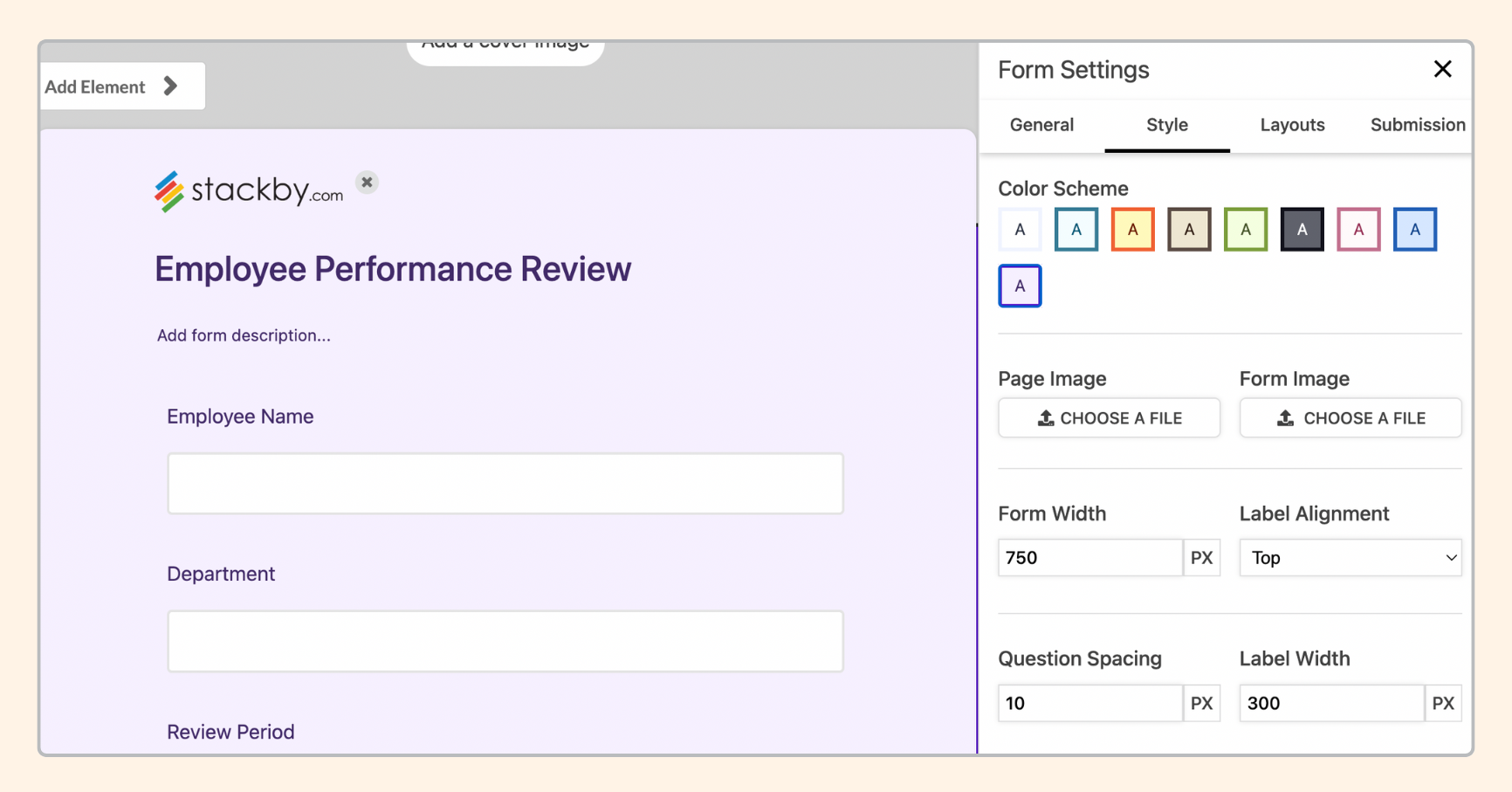
Under the Style tab, you can configure the following settings:
Adding Page and Form Images
Change form width
Align Labels
Adding spacing between questions
Make the form compact by changing the label width
Change background color
Manage Font/ font size, header font
and a lot more..
Introducing: Layouts Tab in Forms
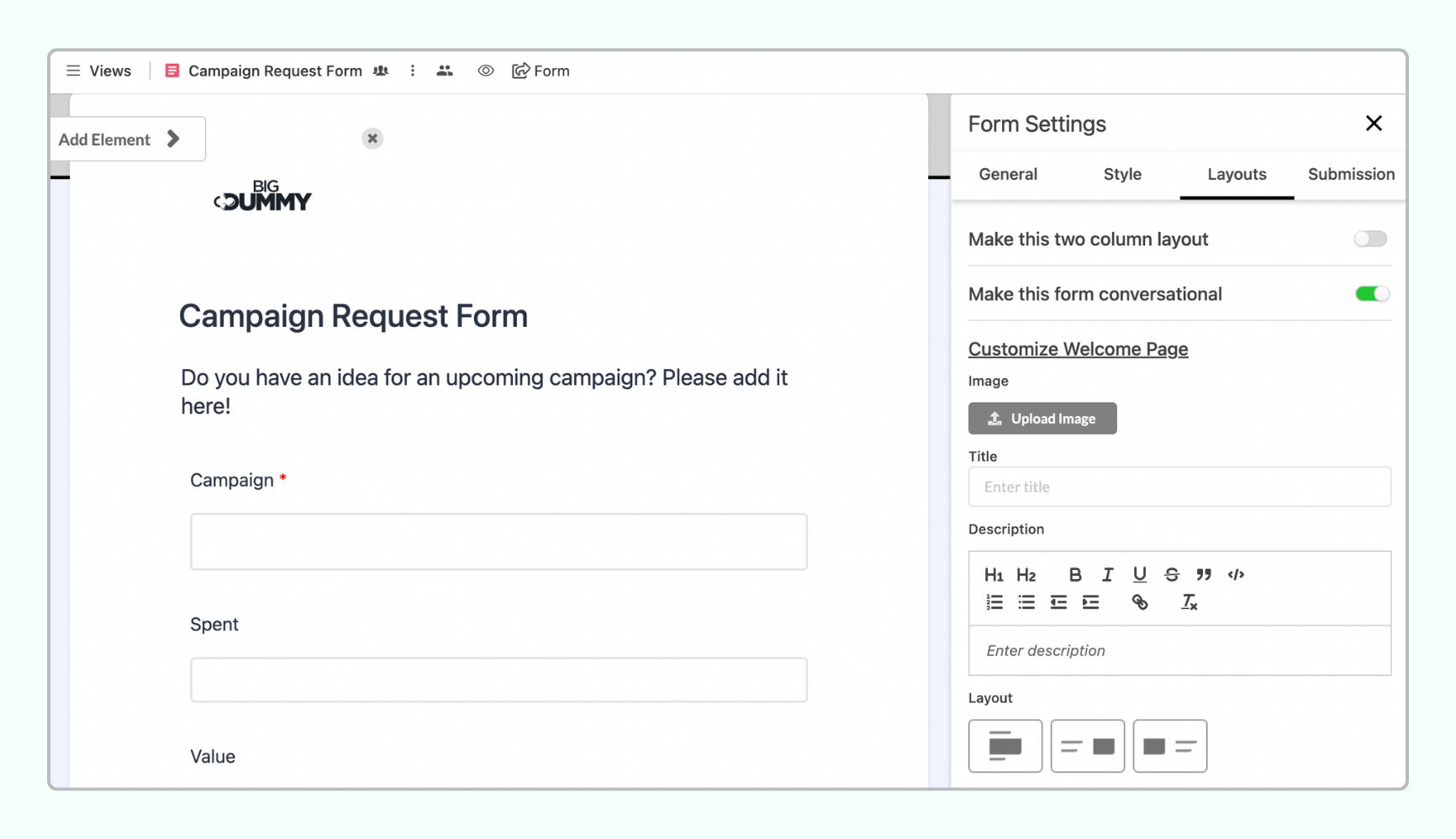
Under the Layout tab, you can configure the following settings:
Make this two-column layout
Make this form conversational (like Typeform)
Introducing: Submissions Tab in Forms
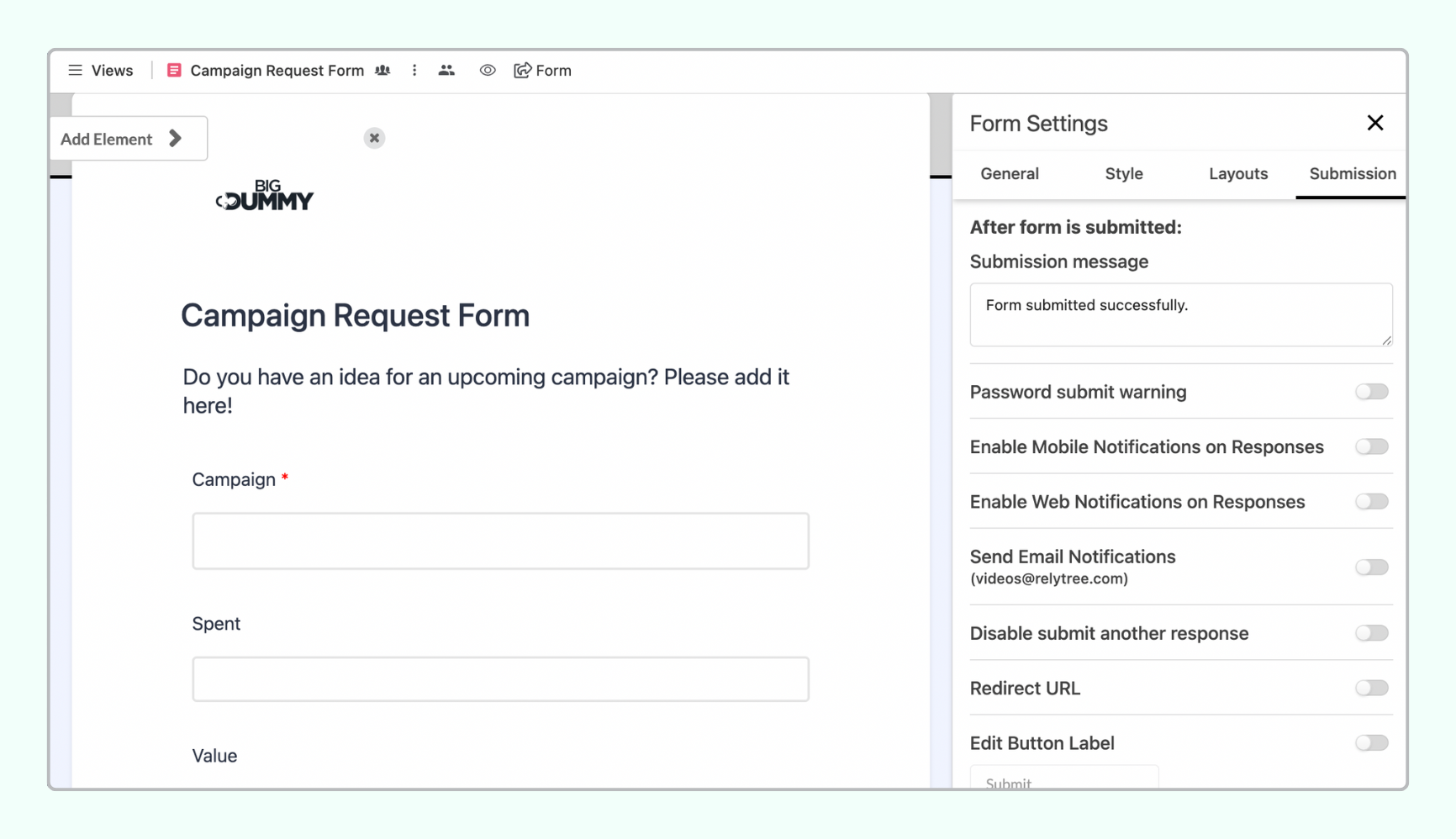
Under the Submission tab, you can configure the following settings after the form submission has happened:
Add a custom submission message
Remove ‘Password Submit Warning’
Enable Mobile Notifications on Responses
Enable Web Notifications on Responses
Enable Email Notifications on Responses (it will go to your own email)
Disable another response
Add Redirect URL
Edit ‘Submit Button’ Label