
The "Find Row" action in Stackby is an essential feature for locating specific rows in your table based on defined criteria.
Steps:
Step 1: Log in to your Stackby account and open the stack where you want to Find records.
Step 2: Open the table where you want to add Find row action.
Step 3: Click on the "Automations" button in the top toolbar.
Step 4: This will bring up a box with configuration options Select “Table name” , Select “Find row based on” and select “View”.
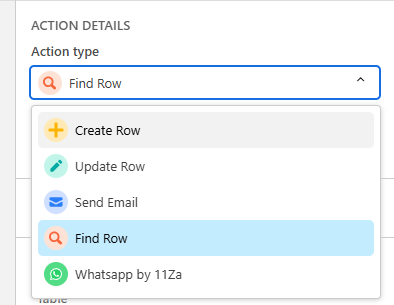
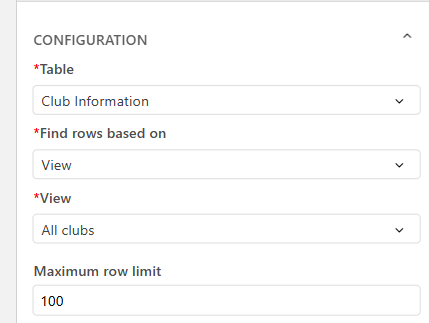
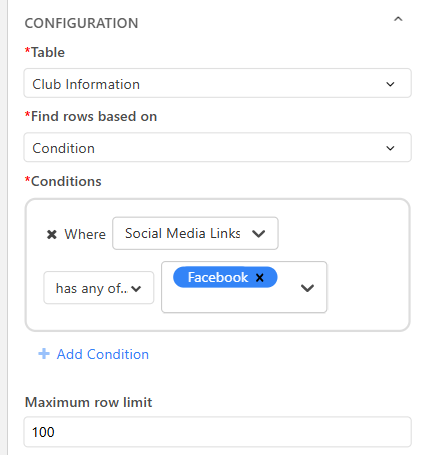
Step 5: In Find row based on you can find by condition or by view.
Step 6: After adding the desired information for the action step make sure to test the action.
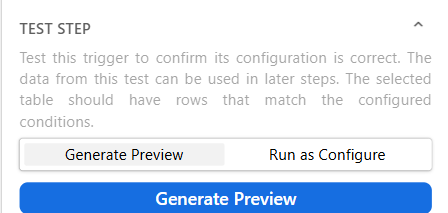
Step 7: Once the find row Action has been tested successfully, click Save. Your Row Action is now ready to use!