The Flashcard app in Stackby lets you turn records from your table into interactive flashcards. Select a question field and, optionally, an answer field to display questions one at a time and reveal the answer when you're ready.
To add the Flashcard app:
Open the Stack and table containing the records you want to study.
Add the Flashcard app.
Select the table containing your flashcard records.
Select a View. Only records from the selected view will be used.
Select the Question field.
Select an Answer field (optional).
Click Done to start using your flashcards.
The flashcard extension requires the following:
Two text fields - One that contains a question in each record, and another that contains the answer to that question in each record.
Optional: Any number of filtered views that hide questions based on the criteria you specify.
Only collaborators with editor access and above can install and configure this extension but all collaborators will be able to use the flashcards.
The Flashcard app has the following settings:
Table: Select the table containing the records you want to use as flashcards.
View: Select the view containing the records you want to study. Only records in this view will be used.
Question field: Select the field containing the question or text you want to display on the flashcard.
Answer field (optional): Select the field containing the answer. If selected, the answer remains hidden until you click Show answer.
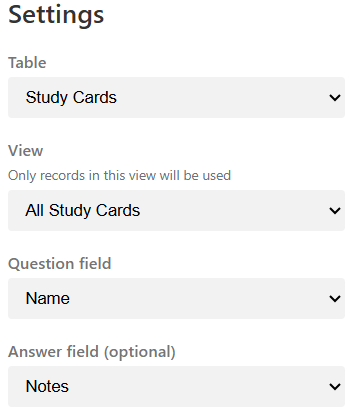
You can use an existing template such as Study Guides or create your own table with suitable question and answer fields.
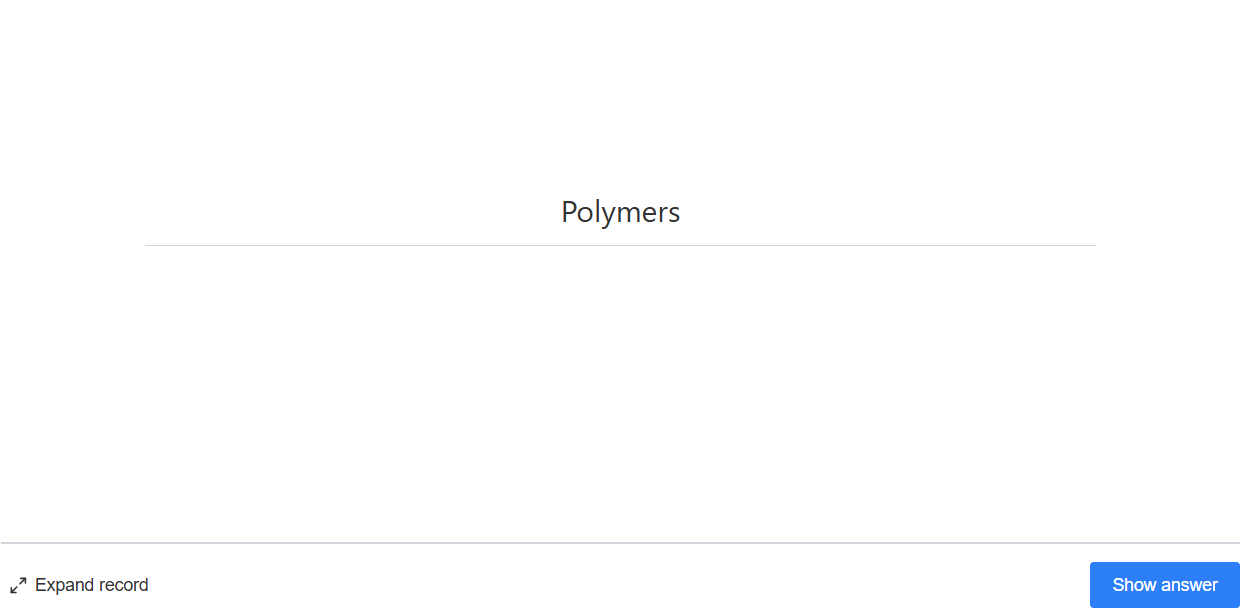
The Flashcard app displays one record at a time. The selected Question field is shown first, while the answer remains hidden.
Read the question and try to answer it.
Click Show answer to reveal the answer.
After viewing the answer, continue to the next flashcard.
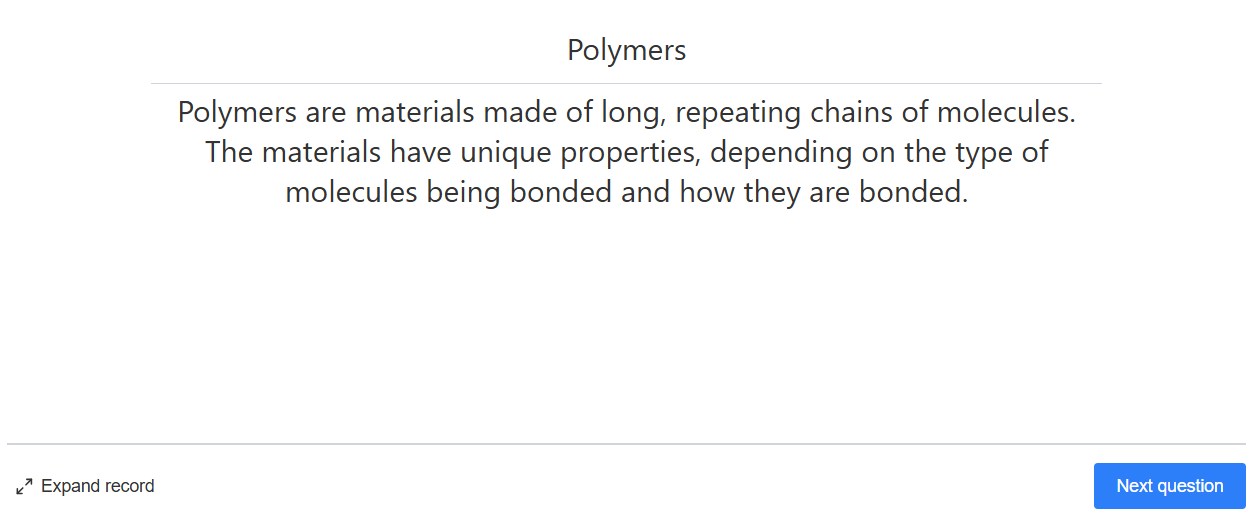
Click Expand record to open the current record and view or edit its details.
Continue reviewing the records available in the selected view.
When you reach the end of the available flashcards, you can start the review again.
You can use different Stackby views to create focused sets of flashcards. For example, if your table contains questions for multiple subjects, you can create filtered views for Biology, Chemistry, or History and select the appropriate view in the Flashcard app.
What is the Flashcard app used for?
The Flashcard app helps you study and review information by displaying questions and revealing their answers when you're ready.
Is an answer field required?
No. The Answer field is optional. However, selecting an answer field allows you to use the Show answer feature.
Which records are displayed?
Only records from the View selected in the Flashcard settings are displayed.
Can I use any field as the question?
You can select a field from the Question field setting to provide the content displayed as the question.
Can I edit the current record?
Yes. Click Expand record to open the current record and make changes.
Can I create different sets of flashcards?
Yes. Create different views, such as filtered views for different subjects or topics, and select the required view in the Flashcard app.